
St. Cloud Arrests and Custody
SPD officers investigate and arrest within their own jurisdiction. Those arrests stop being a city matter once county incarceration begins. The public booking record then shows up through Osceola County Corrections, and the dated report may still carry an SPD agency label. The live inmate search only displays the person while county custody lasts. That handoff leaves each office with its own job. The city records unit is not a jail roster, and Corrections never owns the police narrative. St. Cloud ranks as Osceola County's second incorporated city. A 2024 B.E.B.R. estimate puts its population at 65,974, and it is one of only two incorporated cities the County recognizes. Searching by city name helps, but it cannot replace an agency and jurisdiction check. Other agencies can arrest someone in or near St. Cloud, and an unincorporated address can carry a St. Cloud mailing label while sitting outside police jurisdiction.
St. Cloud Police Records Path
For a report SPD itself wrote, the St. Cloud Police Records Unit is the place to go. Email works, and so do phone, mail, or a visit to the Neptune Road office on weekdays outside holidays. Detail matters. Give the date, location, document type, and report number if you have it. The city posts no daily arrest blotter, and its counter cannot run a live booking search. The fee schedule is public and plain. A local arrest-record check costs $10. The first 19 pages are free, and pages beyond that run $0.15 each. Research stretching past 30 minutes can be billed at $11 per hour. Those figures cover municipal records service only. They buy no county jail access, no exempt material, and no promise on turnaround time.
| Records item | Amount |
|---|---|
| Local arrest-record check | $10 |
| First 19 pages | No fee |
| Each page after 19 | $0.15 |
| Research beyond 30 minutes | $11 per hour |
St. Cloud Police Records Unit
4700 Neptune Road
St. Cloud, FL 34769
407-891-6700
a-pdrecordsrequest@stcloudfl.gov
Use this route for one known SPD report, not a sweeping dig through everything tied to the city name. Florida law allows exemptions and redactions on public records. The best request names a document rather than asking for an open-ended search across unrelated systems.
Where St. Cloud Arrests Appear
SPD publishes no separate booking log. So the official trail starts with Osceola County Corrections. Its Daily Arrest Report lists arrests that led to incarceration for a chosen date, while the inmate search shows who sits in county custody at update time. A Sheriff-hosted weekly roster spans several days and adds arrest, release, charge, and bond fields.
| Source | Scope | Photo | Status |
|---|---|---|---|
| Daily report | Selected-date incarcerations | Image indicator | Official |
| Inmate search | Current custody | Photo column | Official |
| Weekly roster | Multi-day snapshot | No photo column observed | Official |
| News and archives | Selected material | May show images | Unofficial |
The daily report is not a log of every SPD contact. Citations, warrant services, and arrests without incarceration stay off it. The live roster refreshes several times a day. It drops released people at the next update. A weekly PDF can hold a row longer. Those mismatched windows explain why two sources can seem to disagree. The official populated daily report shows its agency, booking, statute, and image-related fields.
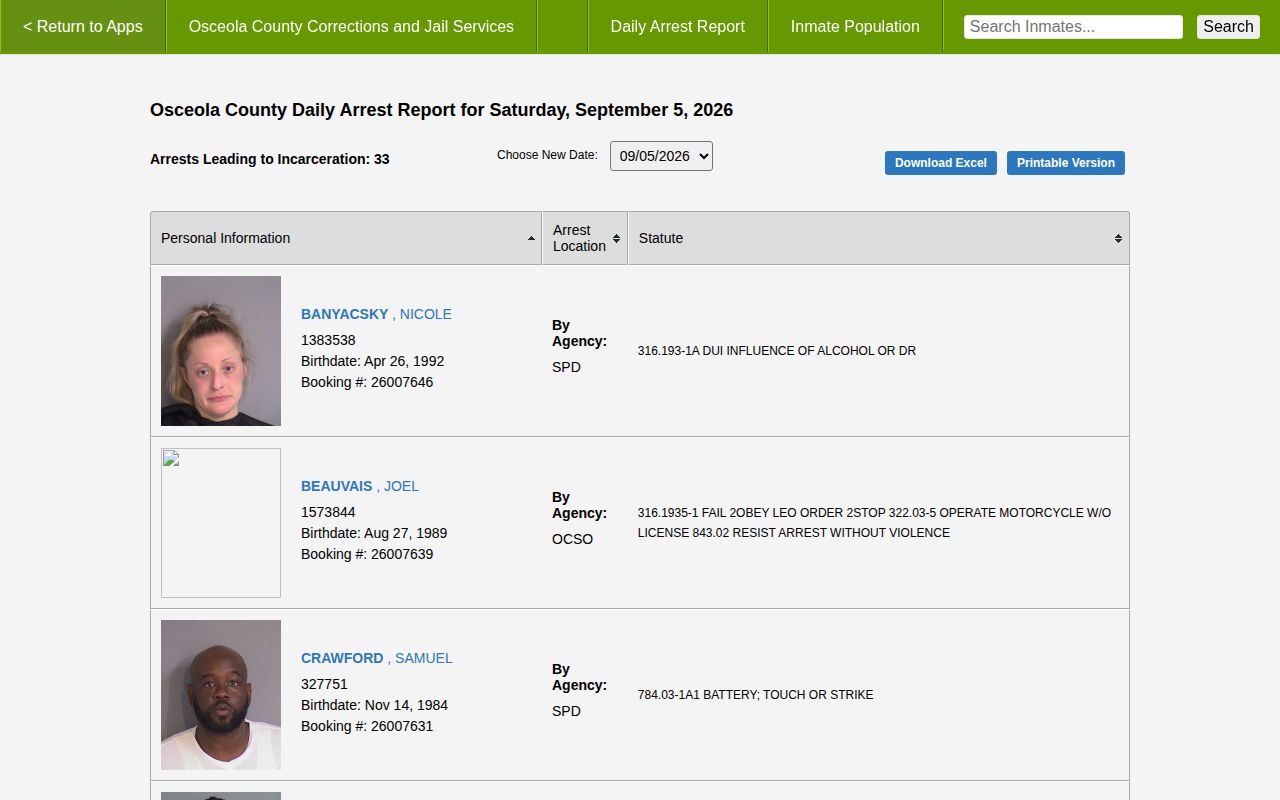
This interface capture identifies record fields without republishing booking photos.
Locate Someone Arrested in St. Cloud
Begin with the event date and the likely arresting agency. A name may not surface right away. Intake and web publication take time. Osceola County promises no fixed delay in minutes. The agency field separates SPD from the Sheriff's Office or another body. A missing name proves neither that no arrest happened nor that a case has ended.
- Use the Daily Arrest Report for the date and look for an SPD label.
- Search the inmate system for present Corrections custody.
- Use the Weekly Arrest Log source for release and bond fields.
- Ask St. Cloud Police Records for the SPD narrative.
- Move to the Clerk for charges, hearings, and disposition.
A custody search is not a full history. Released people leave the live roster. They can remain in dated reports, police files, or court dockets. A transfer points you toward a different system. The Florida Department of Corrections covers state prison and supervision. BOP and ICE each hold distinct federal custody. Note: Corrections answers custody questions, the city answers incident reports, and the Clerk answers outcomes.
Three Records After an SPD Arrest
The key split in St. Cloud runs between the police event, jail custody, and court process. Each custodian controls one piece. A city report can outlive the jail roster that once listed the person. Corrections may post a booking first. A court filing can take longer to find. Later, the court records a result that reframes what the original arrest meant.
| Question | Source | Confirm |
|---|---|---|
| What did SPD report? | St. Cloud Police | Incident narrative |
| Is there current custody? | Osceola Corrections | Listing, booking, bond |
| What happened in court? | County Clerk | Filing, docket, disposition |
Formal charges can differ from the booking text. An arraignment handles formal charges and a plea. A disposition is simply the recorded outcome. For custody alerts rather than old documents, the VINELink Inmate Check fits, though VINE is neither a photo archive nor a court record.
St. Cloud Arrest Photos and Status
Photos and custody status come from the same place in Osceola County. The county inmate search displays a photo column for people currently held. The weekly arrest roster does not. So a booking photo goes with the custody view, not the roster. A booking photograph simply shows how someone looked at intake in St. Cloud. Need an arrest photo for a person in custody? Start with the official inmate search.
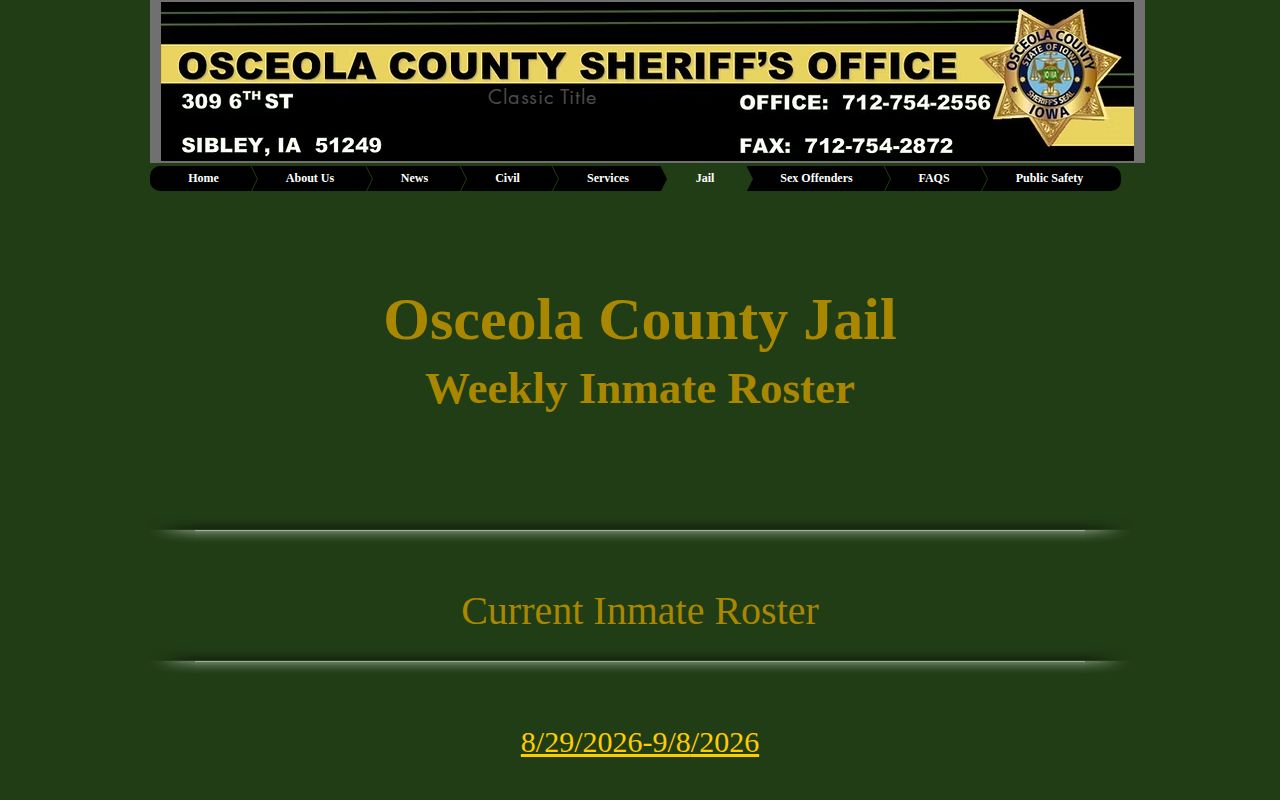
Status shown on a page can lag behind reality. Check the live record before relying on it. When an entry is missing or a person has been released, contact the office that actually holds the file. The Sheriff GovQA portal covers Sheriff records, St. Cloud police handle SPD files, and Corrections keeps the jail material. A missing web result does not mean a record was sealed or expunged.
St. Cloud Arrest News Context
Local news fills in what a St. Cloud arrest roster leaves out. Osceola News-Gazette and WFTV both cover selected St. Cloud cases. Papers pick and choose, though. A story can omit a later court outcome, so pair any report with the official record. Commercial mugshot sites are a different animal. Florida Arrests, Busted Newspaper, RecentlyBooked, Mugshots.zone, and MugshotsOsceola all carry filters for St. Cloud or SPD, but their listings can be stale or thin. Use them as leads only. The unofficial MugshotsOsceola archive itself warns it may omit records and lacks State Attorney outcomes, and a city label on a photo never proves which agency made the arrest.
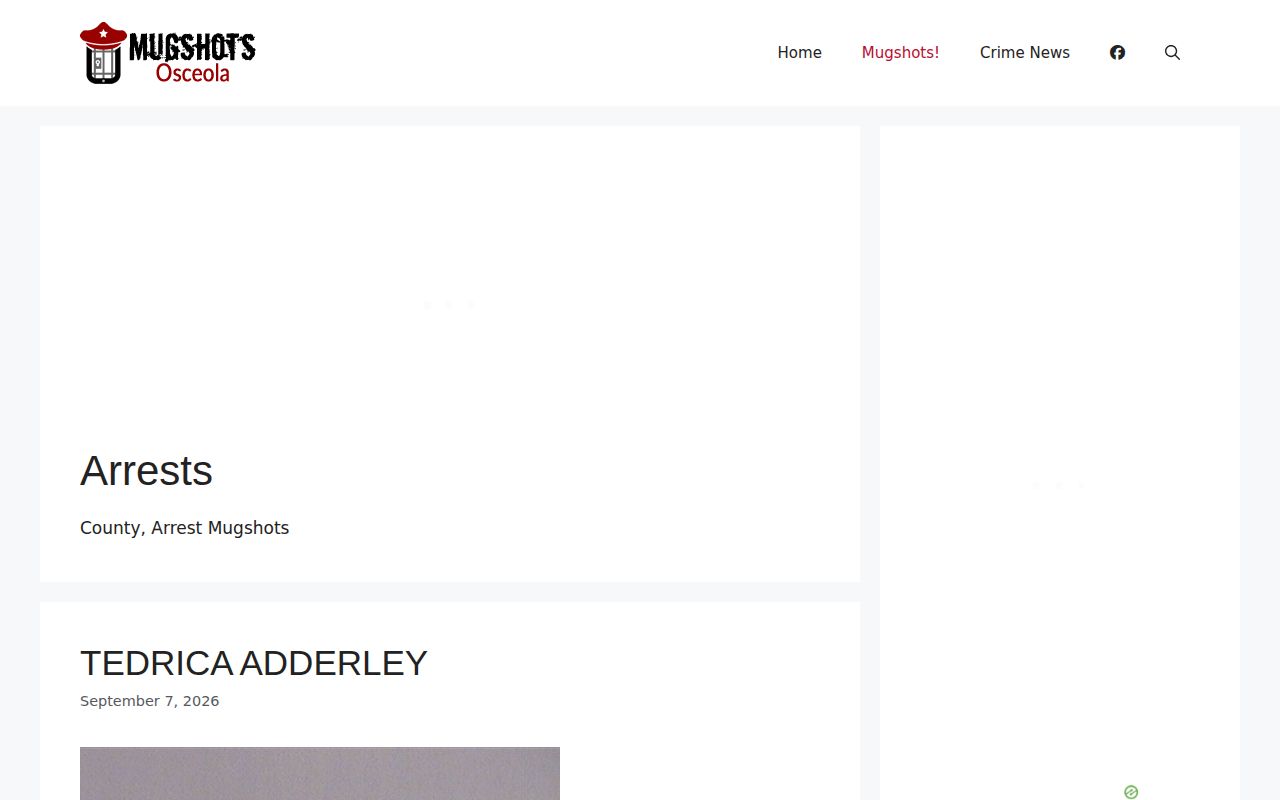
This capture explains the landscape; official custody and court sources control verification.
Refresh St. Cloud Arrest Records
Osceola County records move with every booking and court event. Recheck the official source and note the record date each time you compare results.
Public Record Search
Sponsored Results