
Osceola County Recent Arrest Sources
Osceola County Corrections posts its arrest and custody material in three separate views. The first checks live custody. It refreshes several times daily, so a released person drops off on the next pass. Use it to see who sits in county custody right now. The Daily Arrest Report instead covers bookings that led to incarceration. It runs on a date you choose.
Sheriff-hosted weekly PDFs pull back further. They span several days and can carry much older arrest dates for people still held. No view is a full countywide history. Citations and arrests that never reached county jail stay out. A fresh booking can take time to appear. Check live custody first. Use the date report for recent incarceration. The weekly PDF covers charges, bond, and release across several days.
| Official view | Window and purpose | Photo |
|---|---|---|
| Current inmate search | Current custody, refreshed several times daily | Photo column |
| Daily Arrest Report | Selected-date arrests leading to incarceration | Image indicator observed |
| Weekly roster | Multi-day custody, release and bond | No photo column observed |
Three Osceola Arrest Clocks
An absent row rarely means a contradiction. The current inmate search updates several times a day and drops released people on the next pass. The daily view locks to one calendar date. Weekly PDFs show a date range yet can include much older arrest dates for people still in custody. Those clocks never sync. No official page promises an exact posting lag.
The Daily Arrest Report offers printable and Excel routes plus a recent-date selector. Two companion pages dig deeper. The internal Daily Arrest Report page explains that same-day window, while the Weekly Arrest Log treats the PDFs as custody snapshots. A populated example appears in the official dated report view.
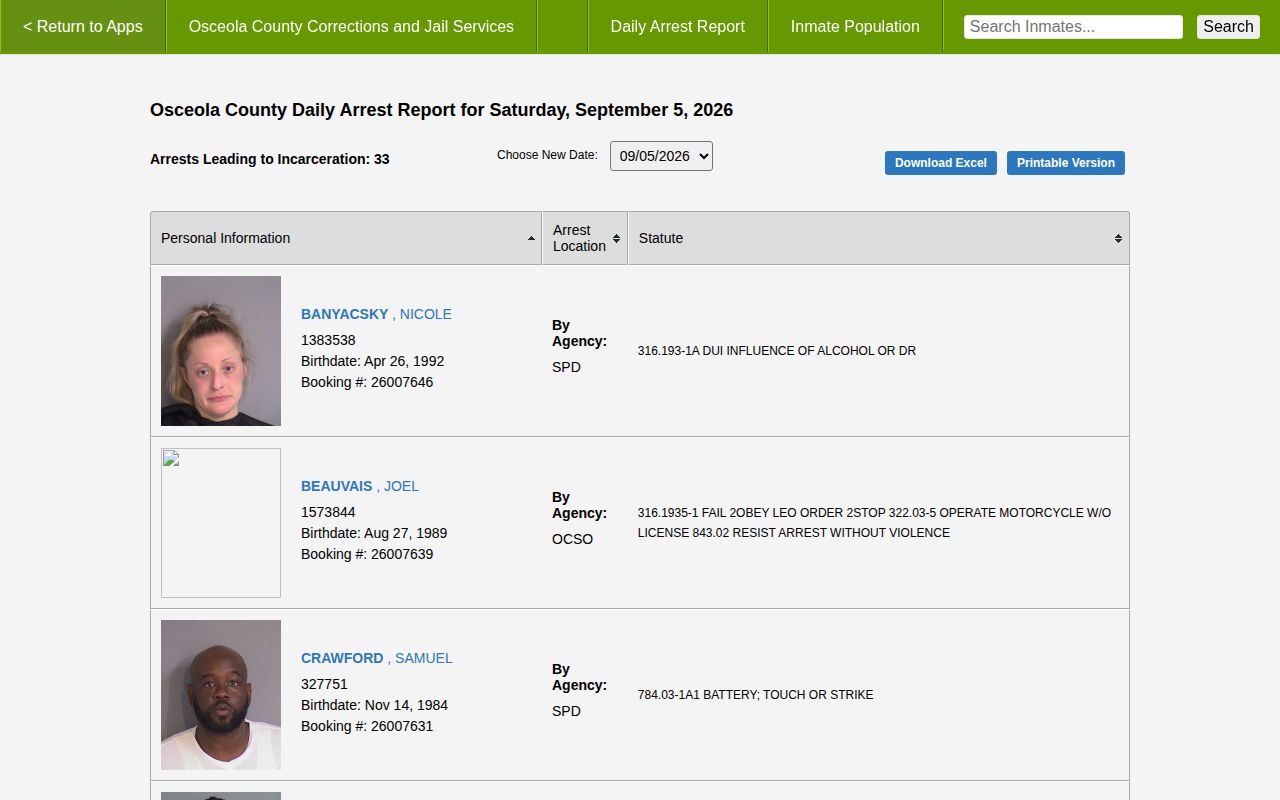
The capture documents an interface, not a republished list or a finding of guilt.
Search Osceola County Jail Arrests
The roster covers everyone held at the Osceola County Jail plus people housed for Corrections elsewhere. Each entry shows a booking photo and ID. Names appear in full, middle names included. Clicking a name can open aliases, physical descriptors, bond amounts, statute references, offenses, and current status. Booking dates appear there too.
| Field | What it helps confirm |
|---|---|
| Name and ID | Which custody record is open |
| Booking and status | Intake and listed custody state |
| Offense and statute | Charges recorded at booking |
| Bond | Recorded release condition |
| Photo | Image attached when shown |
Type the full name first. Compare identifiers, then open the record. If nothing turns up, try the dated report, the weekly roster, VINE, or the records office, and for future changes to one person's custody, the VINELink Inmate Check offers optional alerts.
- Open the official current inmate search.
- Enter a name and compare IDs.
- Read booking, charge, bond, and status separately.
- Check the Clerk docket for the case outcome.
The Sheriff Current Inmates page links current and prior weekly PDF ranges.
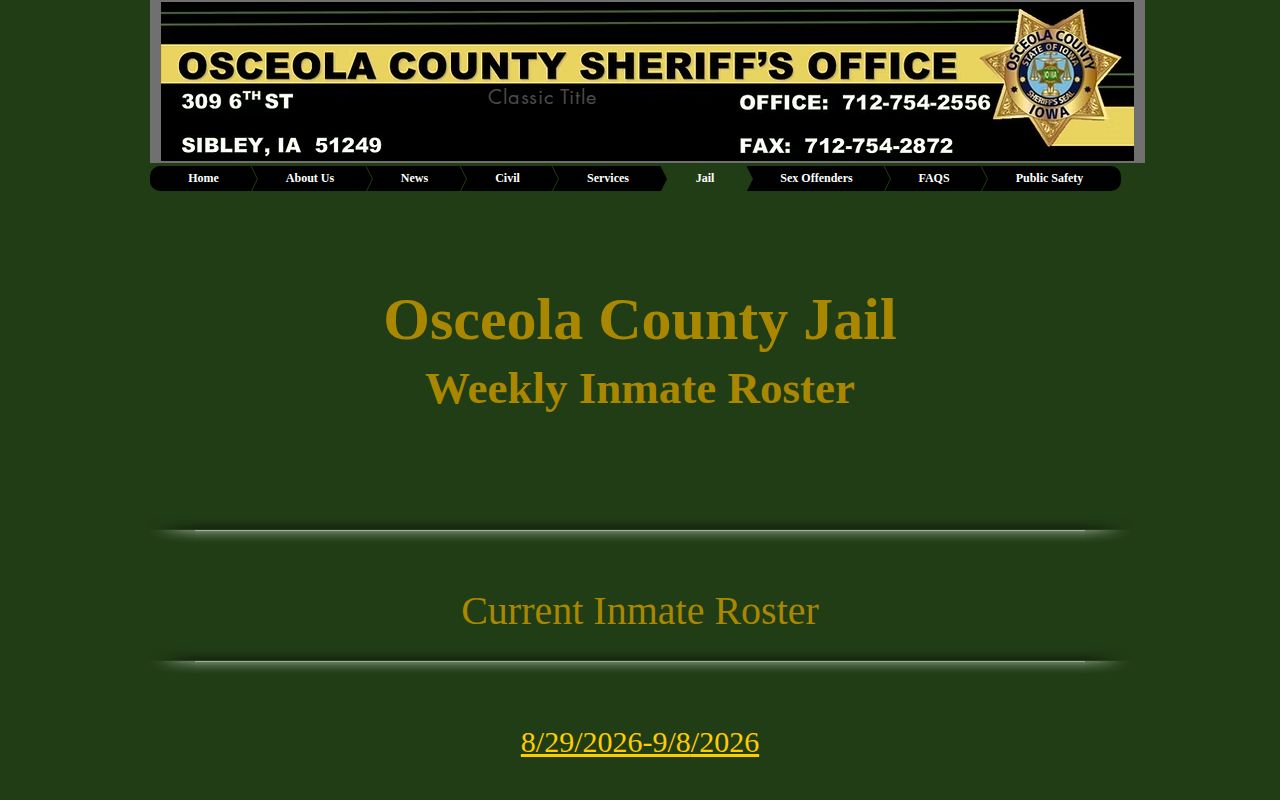
The period-based PDFs differ from the live Corrections search in both fields and scope.
Where Osceola Arrest Records Appear
Government records come first. Corrections covers custody and incarceration reports, while the Clerk follows the case through court. City police keep incident reports. Florida Corrections, the BOP, and ICE matter only after a transfer, and news or unofficial pages work best as context or discovery leads.
| Channel | Status | Best use |
|---|---|---|
| Corrections web app | Official | Current custody and dated incarceration |
| Sheriff weekly roster | Official | Release, charge, bond |
| Clerk search | Official | Filings and disposition |
| Around Osceola, WFTV | Editorial | Selected news context |
| Busted Newspaper, RecentlyBooked, Florida Arrests, Mugshots.zone, MugshotsOsceola | Unofficial | Secondary discovery only |
Around Osceola and WFTV do not publish complete rosters. Their stories, like third-party pages, can be stale, incomplete, duplicated, or missing later court outcomes, so never treat them as current custody or republish their galleries.
Osceola Recent Arrests by City
Two incorporated cities sit inside Osceola County. When either city police department makes an arrest and the person ends up in county custody, the booking usually shows up in the county report tagged with that agency's name. For the incident report itself, though, each city police department holds its own files.
- Kissimmee Recent Arrests: KPD records and bookings that reach County Corrections.
- St. Cloud Recent Arrests: SPD records and bookings that reach County Corrections.
Osceola County has no third incorporated city, so none gets its own page here.
City Arrest Requests Differ
Kissimmee and St. Cloud handle arrest-record requests in very different ways. Kissimmee checks whether an address falls inside city limits and processes requests through a portal; you get a confirmation number and a security key, plus email and phone options. The city aims to finish within five business days. Work that runs past 30 minutes may need a cost estimate and prepayment. St. Cloud is simpler on its face. It accepts email, phone, mail, and walk-in requests. A local arrest-record check costs $10, with no charge through 19 pages, $0.15 per page after that, and $11 per hour once research passes 30 minutes. Both routes cover incident records, not booking feeds. County Corrections stays the booking publisher, and the Clerk holds the court files.
Who Holds Osceola Arrest Records
Osceola arrest records have been split among custodians for decades. County Corrections materials note that the Sheriff ran Corrections until March 1, 1997, when control shifted to the Board of County Commissioners. That explains the layout today. Corrections publishes the custody app. OCSO runs a records portal. City police keep their own agency reports. The Clerk holds every court file. One request will not sweep across all of them. The split also explains why an arresting agency can differ from the booking publisher, and why a jail row, a police report, and a court docket use different identifiers and update on their own schedules.
Inside an Osceola Arrest Record
A booking record holds plenty of detail. Expect the name, inmate ID, aliases, date of birth, booking number, and intake and status dates. The record also lists physical descriptors. Arresting agency, alleged offenses, statutes, bond, release, and a photo round it out. The daily report trims that down to a smaller row set. Its weekly PDF cousin leans on the arrested date, release, charges, and bond.
| Field | Meaning and limit |
|---|---|
| Agency | Who recorded the arrest |
| Booking number | Jail intake identifier |
| Charge/statute | Charge subject to change |
| Bond | Release condition, not guilt |
| Release | Published status at that time |
- Booking
- Jail intake after an arrest.
- Bond
- A condition that may permit release.
- Arraignment
- A hearing on formal charges and plea.
- Disposition
- The recorded court outcome.
- Expungement
- Fact-specific relief under Florida law.
Osceola Arrest Mugshots and Photos
Booking photos sit in some official views and not others. The current search shows a Photo column. The weekly PDF leaves it out. So an Osceola arrest can appear on one list with an image and on another without one, and a blank space means nothing on its own. The county hosts no public gallery of booking images. When law and retention rules allow, request a copy straight from the custodian of the record.
After a person moves from the Osceola County jail into state custody, the Florida Department of Corrections search can display a state record and photo, refreshed weekly. That feed is separate from the county jail roster. Unofficial archives sometimes keep stale booking photos with no case outcome attached, so confirm any image with Corrections and the Clerk.
Request Osceola County Arrest Records
Osceola County accepts records requests through the OCSO GovQA portal. It tracks each request from submission onward. Name the agency, the date range, the record type, and any identifier you know, then ask for electronic delivery and an estimate before any special service work.
- Identify Corrections, OCSO, city police, or Clerk.
- Name the date range and record.
- Supply an ID when known.
- Ask for electronic copies and a cost estimate.
- Request non-exempt portions and exemption citations.
Pages cost $0.15. A certified copy adds $1. Labor or technology charges can apply too, and protected material such as active-investigation, juvenile, or victim data may be redacted; the official records portal handles submission and tracking.
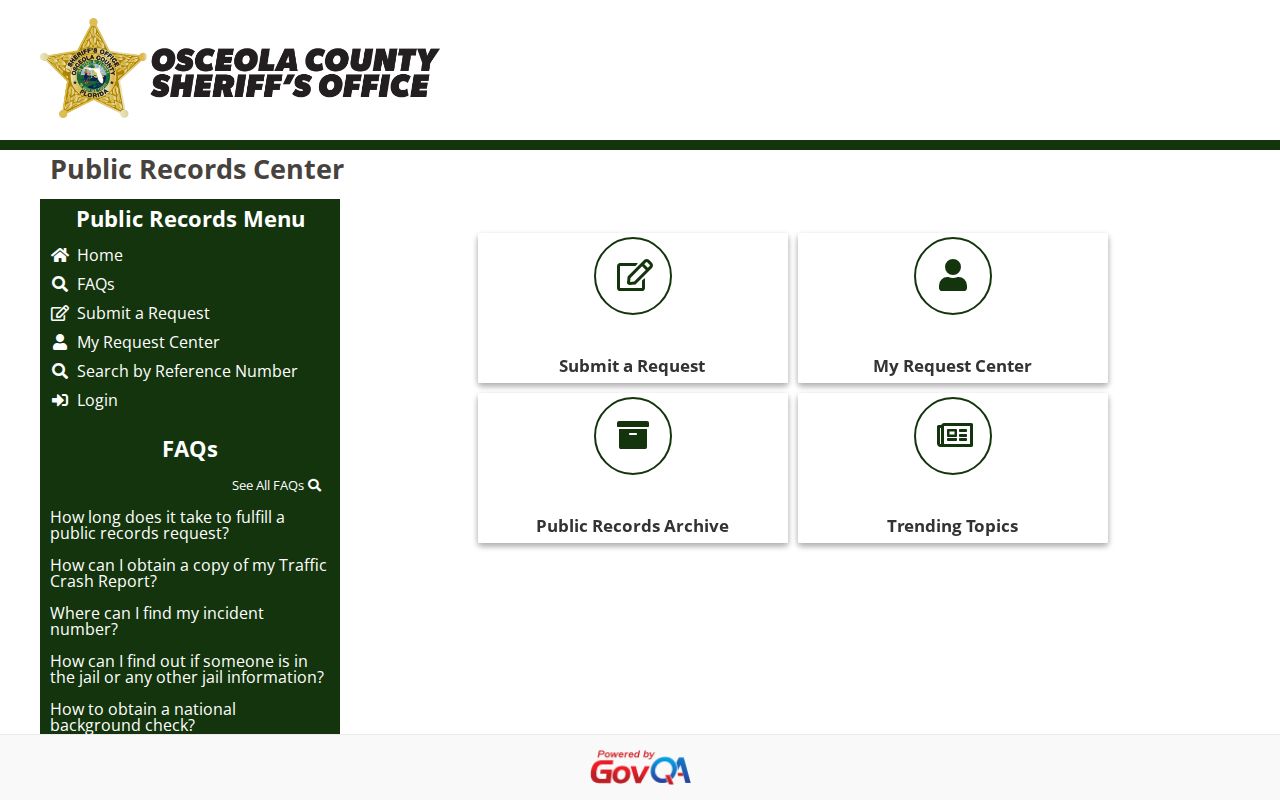
It is the durable fallback after a changing web row disappears.
How Long Osceola Arrest Records Last
The web window is not the retention schedule. Florida's GS2 schedule lists booking, commitment and release, and incarceration series, and several carry a minimum of one anniversary year after release. Jail docket books are permanent. Agencies can keep them longer. A mugshot has no promise of lasting web access, so ask which series holds the image and what disposition authority applies. A roster row pulled from view is not a destroyed record, and the State Archives can suggest historic catalog leads though no Osceola booking series appears there.
Florida Arrest Photo Removal Law
Florida law targets booking-photo publishers that charge for takedowns. Under Florida Statutes section 901.43, a qualifying person can demand free removal. The request goes by registered mail to the publisher's agent, with proof of identity and details about the photo. Removal must follow within ten calendar days, with no republication.
The law does not erase an official jail record, court docket, police report, or every search result. Correct source data with its creator. Avoid paid-removal services. The Legislature page documents those limits.
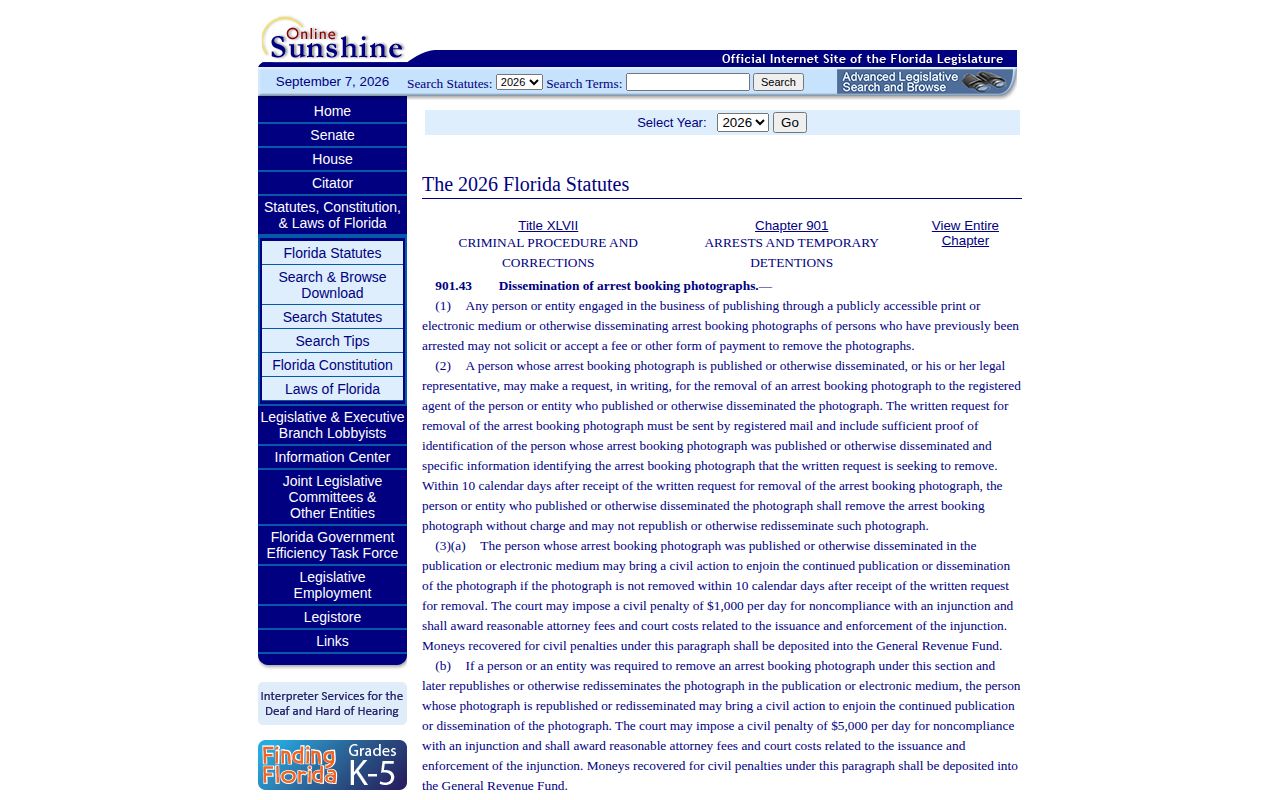
Not every image qualifies for that no-fee route. The FDLE page explains separate sealing and expungement relief. That path generally requires a Certificate of Eligibility before the petition and lists a $75 nonrefundable payment. It also separates court relief from an administrative expungement for an arrest contrary to law or made by mistake, and applying never guarantees relief.
Osceola Arrest Warrants and Wanted Cases
Corrections will not run warrant checks for callers. County guidance routes those calls to OCSO at 407-742-6515. The Clerk shows case activity, but that is not warrant clearance. A regional live list is the Central Florida Crimeline interface. It warns users not to approach or arrest anyone.
Never attempt an arrest yourself. For your own status, talk to the Sheriff, Clerk, or counsel. Tips go to law enforcement or Crimeline. The live interface repeats the warnings.
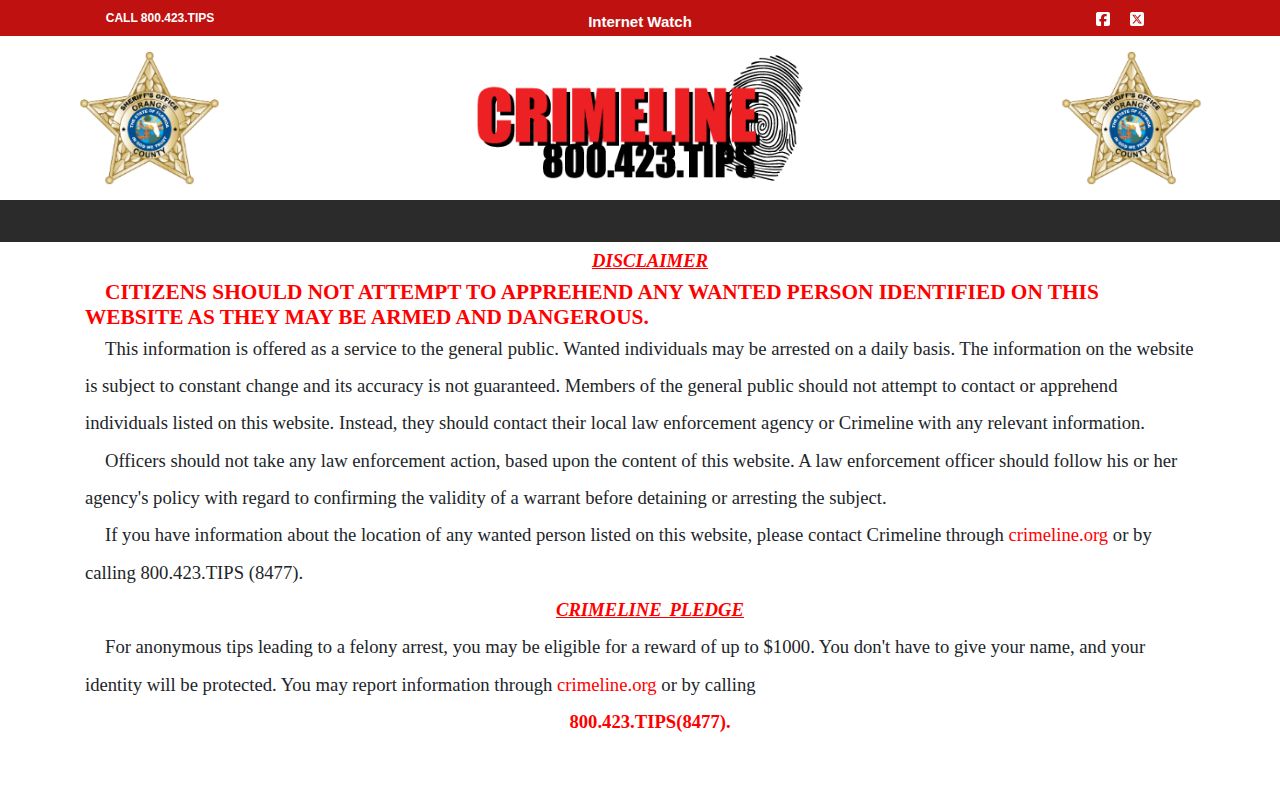
It is a lead for safe verification, not proof of guilt.
After an Osceola County Arrest
The bond page says to locate the inmate, open the name, and follow its bond route. Formal charges change the picture. The Clerk then handles arraignment notices and dockets. The Osceola Clerk holds the case files. A case can open after booking and run past release. An empty search may reflect filing delay, a spelling error, or protection, so recheck identifiers and ask the Clerk about the arrest case.
Osceola Arrests After Transfer
A transfer or hold is only a clue. Florida DOC covers state prison and supervision. The BOP locator finds federal inmates in its stated period, while the ICE locator handles qualifying immigration custody searches. None of them is a county booking-photo source. The FDC search menu shows the state scope: that search begins where county custody ends, and the federal tools answer to different systems.
Verify Osceola County Arrest Status
Follow the record as it moves. The most reliable order starts with the current inmate search when the question is present county custody. Open the detail screen. A name alone is not enough. The selected-date report answers questions about a recent incarceration. Across its period, the weekly roster adds release, bond, and continued-custody context, VINE can flag a qualifying custody change, and the Clerk shows whether prosecutors filed and how the case ended. When an official view comes up short, call the agency that owns the missing piece. OCSO or a city police department handles incident and arrest reports. Corrections keeps jail records. The Clerk keeps court files. State and federal locators matter only after a transfer, sentence, hold, or federal charge enters the picture. That order blocks stale third-party pages. Names vary across databases. Middle names go blank and agencies abbreviate, and booking and court numbers do not swap. Compare a birth date or official identifier where that is lawful. A no-result answer can mean a refresh delay, release, another custodian, protection, or a spelling mismatch rather than proof an arrest never happened. Recheck and ask.
Osceola Arrest Booking Path
An Osceola arrest usually follows a predictable path. Officers take a person to booking. The jail logs the custody. A bond amount gets posted, the court opens its file, and release or transfer follows. What the public sees online covers only slices of that journey. No timestamp for every step gets published. The sheriff's office gives no promise about when a new booking appears on its roster. So a lag between the arrest and the online entry is normal.
One wrinkle trips people up often. A name can show in the jail search. The court case can still be hard to find, since formal filing is a separate step by the Clerk. Release works the same way in reverse. Someone can leave custody. The person then drops off the current roster on its next update. Older traces such as a dated report, a weekly PDF, a police report, or the public docket still stand. So a name can vanish from today's roster. That does not mean no arrest record exists at all.
The weekly reports add one more lesson: custody crosses system lines. A transfer entry points you toward the receiving system. An immigration-hold notation hints at a separate federal status question. Keep county booking records, court cases, state custody, and federal custody in separate lanes. Check each one where it lives.
Limits on Osceola Arrest Access
Florida's public-records law lets you inspect and copy non-exempt records. That right has edges, though. A custodian can withhold or redact material. Withheld items can include material tied to an active investigation, juvenile information, protected victim details, child-abuse or sex-crime files, and covered portions of emergency communications. When something gets withheld, ask for the non-exempt remainder. Also request a written citation for what was cut. The whole file is rarely closed.
Juvenile and protected records call for extra caution. An empty public search tells you nothing about what a protected file holds. Guessing from social media or unofficial archives is not a legal answer. The source office can explain the governing exemption. A court may later seal or expunge material that was once public.
The statute behind this, Florida Statutes section 119.07, requires a good-faith response. It does not require an instant answer. Nor does it promise a universal free copy. Broad requests take longer and can carry lawful special service charges. A narrow request moves faster. Name the custodian, record type, date range, and booking or report number. Request electronic delivery and a price estimate. Ask for that before extensive work starts.
Check the last step, not just the first. The booking record reflects what officers logged at intake. The Clerk's file can later show a changed count, a declined charge, a dismissal, or another outcome. Keep that final outcome beside any discussion of an Osceola arrest. Treat the court record, not a photo or an initial charge, as the authority.
Osceola County Sheriff’s Office Location and Directions
Public Record Search
Sponsored Results